
Navigating Calltools
This video will give you a short overview of Calltools and how to navigate your user dashboard.
02
How To Dial a Campaign

Play video
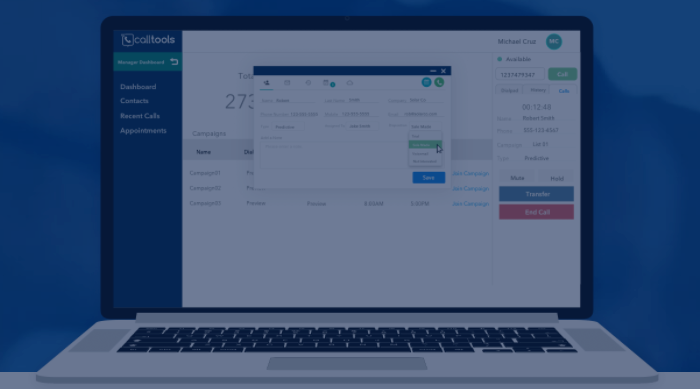
How to dial a campaign
This video will give you a short overview of how to dial out a campaign in Calltools.
03
Updating Browser & Cookies
Play video
Updating Browser & Cookies
This video will give you a short overview of how to ensure that your browser is updates and that cache and cookies are cleared.
04
Using the Correct Mic
Play video
Using the Correct Mic
This video will give you a short overview of how to ensure you are using the correct mic.
05
What to do when a campaign is slow
Play video
What to do when a campaign is slow (Idle for 5+ minutes)
This video will give you a short overview of what to do when you are dialing a campaign and a call doesn't come in for at least 5 minutes.
06
Wrong Script Bug
3 video lessons | 8 mins
Learn how to feature the work you’ve done in a portfolio that attracts the clients you want to work for — and reflects the work you want to do.
Play video
Wrong Script Bug
This script will show you what to do when you are dialing a campaign and the wrong script is appearing.